Special Deal
£11.24Any Courses
Limited Time only





100% Online Training

14 Days Money Back Guarantee

24/7 Tutor Support

Industry Expert Instructors

Engaging Video Content

Microsoft Excel Crash Course
Last updated:
August 2025

Course Duration
Course Level
This Course Includes:

Free Certificate download upon completion

Bulk discount for orders of 5+ courses

Access from anywhere

Assessment retakes at no extra cost

Full audio voiceover

5 CPD points
Description
The Microsoft Excel Crash Course is an all-encompassing programme that guides learners through Excel’s extensive capabilities, from foundational functions to advanced data management and analysis tools. Beginning with an introduction to launching Excel and setting up an account, learners will explore customising the Excel workspace, personalising ribbons, and creating reusable templates to enhance productivity.
Participants gain vital skills in managing and formatting data effectively, including sorting, resizing cells, and using tools like Format Painter, Freeze Panes, and the Trim function for streamlined data organisation. The online course provides a solid foundation in Excel formulas, covering basics as well as key statistical functions like calculating the mean, median, and mode, along with creating 3D formulas for more advanced applications.
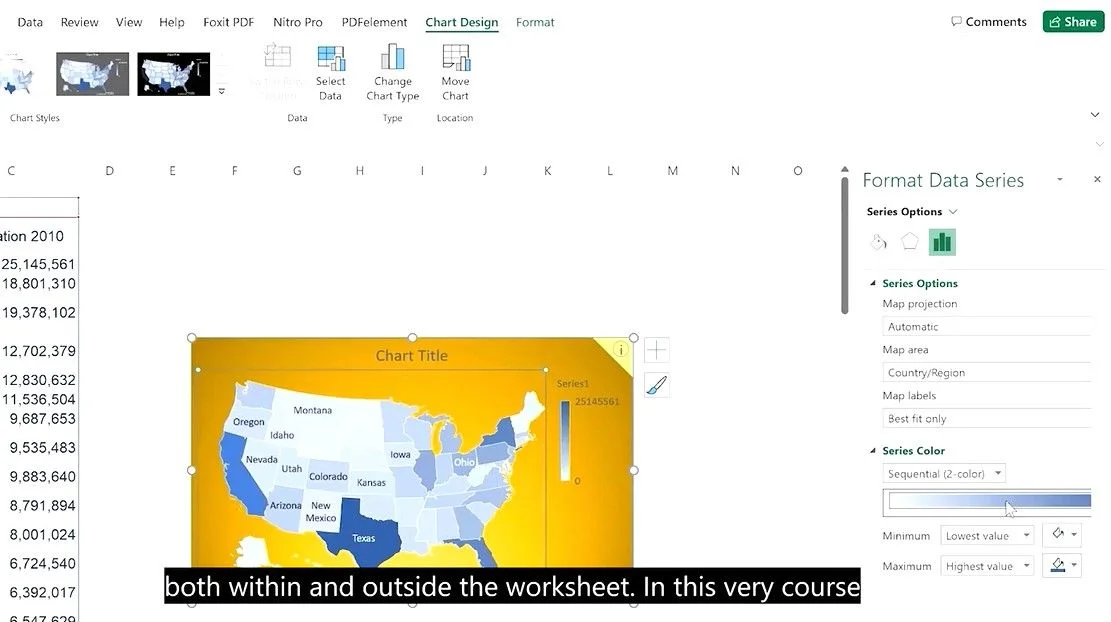
The course delves into advanced data handling techniques, such as data fill series, data validation, and converting PDFs into Excel format. It also thoroughly covers data visualisation, including inserting tables, plotting various charts, adding secondary axes, forecasting trends, and creating sparklines and pie charts, with guidance on customising chart formats and axes.
For in-depth data analysis, participants will master pivot tables and pivot charts, allowing for sophisticated data summaries and insightful visual analysis. Additional tools covered include Find and Replace, hyperlink insertion, and creating interactive maps, enhancing user interaction within spreadsheets. strategic document management skills such as adding headers and footers, separating names, using shortcut keys, the camera tool, status bar settings, PDF conversion, and linking Excel to Word further expand the scope.
The Microsoft Excel Crash course also explores features for enhancing document appearance and security, from adding borders, creating dropdown lists, and breaking password protection to setting up documents for print. Visual management tools include creating organisational charts, securing Excel files, and taking screenshots while also covering Excel Online for remote and collaborative access.
To explore Microsoft Excel’s actual capability and learn to use the software like a pro, this Microsoft Excel crash course can be your treasure trove to build a solid foundation. So, are you ready to stay ahead of others and manage your data more precisely? Start learning today with High Skills Training.
Show More
What you will learn in this course
- Basic to advanced Excel skills, from setting up an account to mastering complex functions and data management.
- Essential formulas, including statistical functions, data fill series, and 3D formulas.
- Advanced data manipulation techniques, such as data validation and converting PDFs to Excel.
- Effective data visualisation using charts, sparklines, and custom formatting.
- Strategic document management skills, including hyperlinks, headers, footers, and shortcuts.
- Creating pivot tables, organisational charts, and secure documents.
Who Should Take This Course
- Beginners aiming to learn Excel from the ground up.
- Intermediate users looking to sharpen and expand their Excel skills.
- Professionals in fields like finance, data analysis, project management, or administration.
- Students, researchers, and business owners who rely on data for decision-making.
Sneak Peek
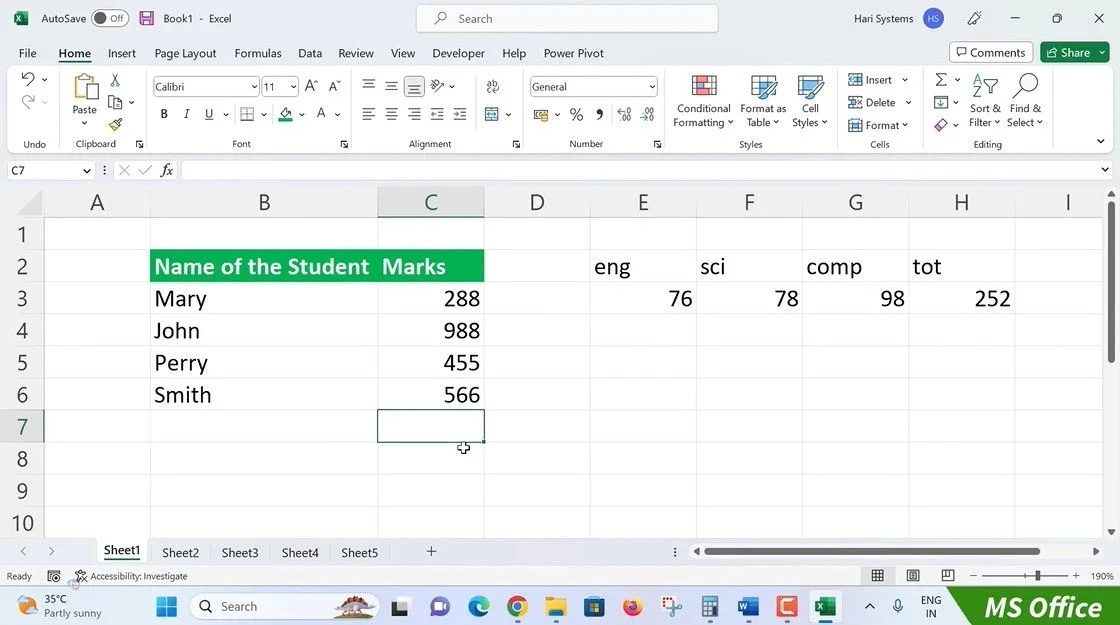
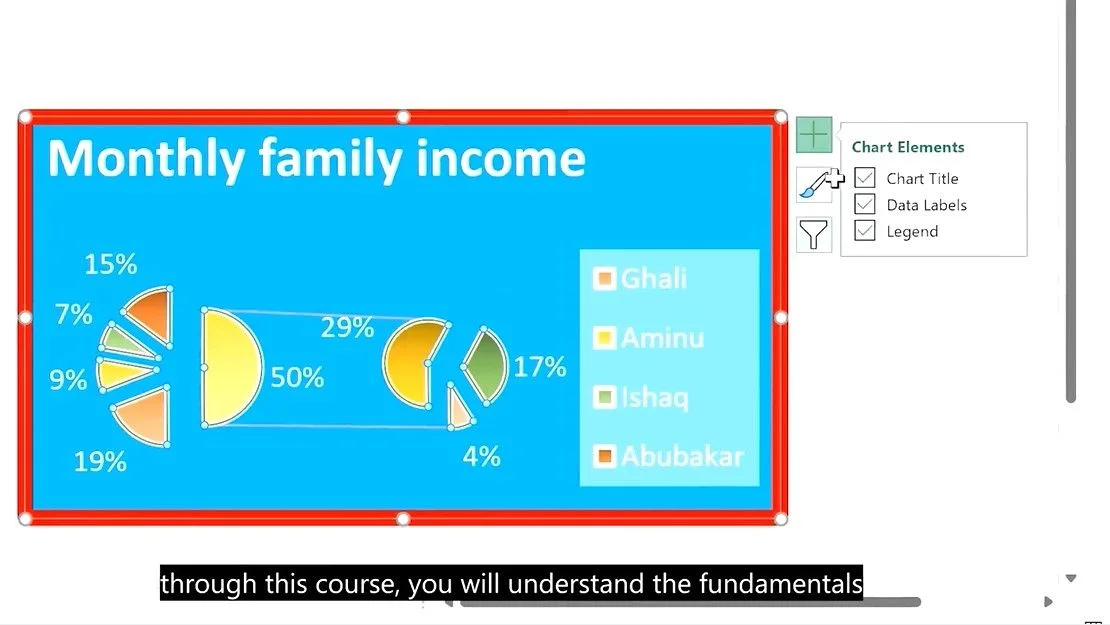
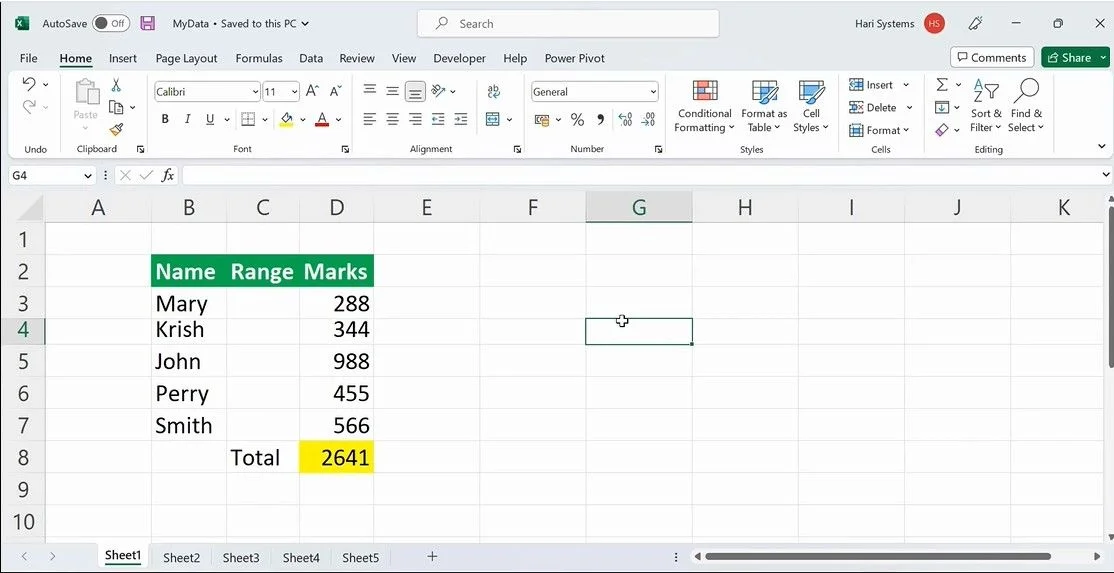
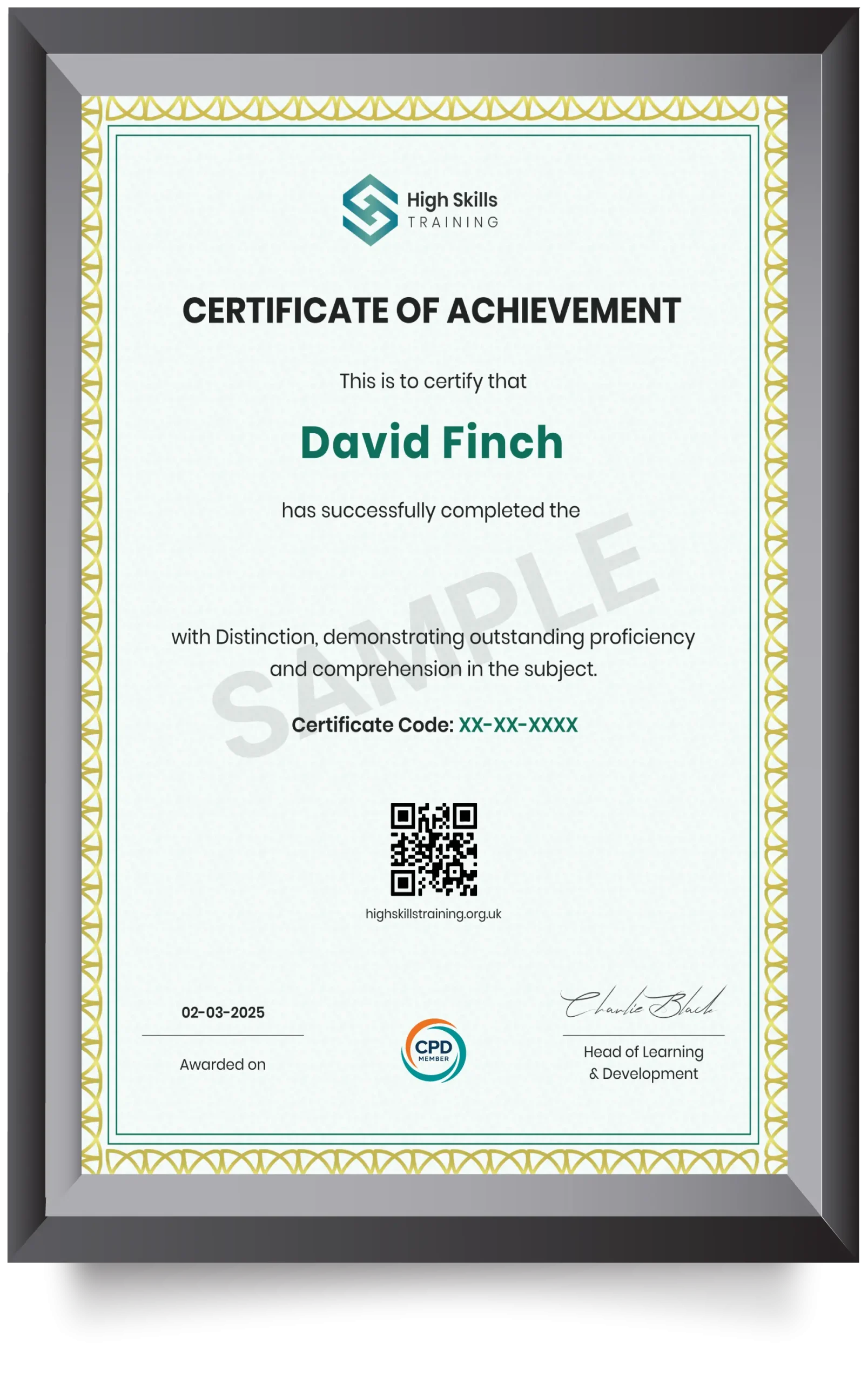
CPD Accredited Certificate
Our certificates are industry-recognised and can significantly boost your employability. They serve as proof that you've completed high-quality, CPD-accredited training and are aligned with current industry standards. Whether you're entering the job market or aiming for higher roles, this certificate adds strong value to your CV. It showcases your professional knowledge and commitment to continuous development, helping you stand out in the UK workforce.
Microsoft Excel Crash Course
Curriculum
Introduction to Excel

Excel Course Introduction
Opening MS Excel and Creating an Account
Excel Platform Overview
Templates and Data Management
Formatting and Data Handling
Formulas and Functions
Data Analysis Tools
Visual Data Representation
Advanced Analysis Techniques
Data Management and Security
Document and Data Tools
Miscellaneous Features
Final Touches and Online Use
Quiz

Students Feedback
Frequently Asked Questions
Is prior experience required to enrol in Microsoft Excel Crash course?
How frequently is the Microsoft Excel Crash course updated?
How do I make a purchase for this course?
Can I access the course on my phone or tablet?
Will I need to complete the course in one sitting?
Can I add my course certificate to my CV?
Learner’s Also Bought

Pet Care and Psychology Diploma
Understand pet psychology and support pets’ health and behaviour with our CPD-accredited Pet Care and Psychology Diploma online
 Free Certificate Included
Care Certificate Course – 16 Standards
A Care Certificate Course bundle packed within a single course. Master the mandatory health and social care topics.
 Free Certificate Included
Level 5 Safeguarding Children
Develop strategic safeguarding knowledge, strengthen decision-making, and effective child protection with level 5 safeguarding training online.
 Free Certificate Included
Youth Work Training
Gain skills in safeguarding, youth engagement, and wellbeing with our CPD-accredited Youth Work Training course.
14 Days Money-Back Guarantee