Special Deal
£11.24Any Courses
Limited Time only




100% Online Training

14 Days Money Back Guarantee

24/7 Tutor Support

Industry Expert Instructors

Engaging Video Content

Microsoft Word Crash Course
Last updated:
November 2025

Course Duration
Course Level
This Course Includes:

Free Certificate download upon completion

Bulk discount for orders of 5+ courses

Access from anywhere

Assessment retakes at no extra cost

Full audio voiceover

3 CPD points
Description
The Microsoft Word Crash Course is the ultimate online resource for mastering Microsoft Word, designed to provide beginners and intermediate users with essential skills for creating, formatting, and enhancing documents. This comprehensive online course covers everything from basic document creation to advanced formatting techniques, making it perfect for anyone looking to improve their efficiency and confidence in using Microsoft Word.
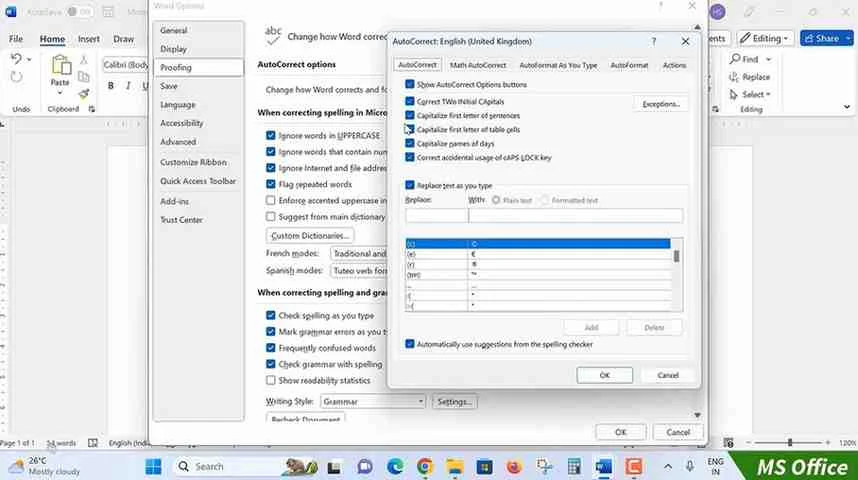
Starting with an introduction to the program, learners gain a solid understanding of the interface and navigation, ensuring a smooth learning experience. The Basics module focuses on key functions such as document creation, saving, editing, and navigating core features. As the course progresses, the Word Formatting section dives into enhancing text appearance through font choices, paragraph settings, alignment, and text effects, enabling users to produce professional and personalised documents.
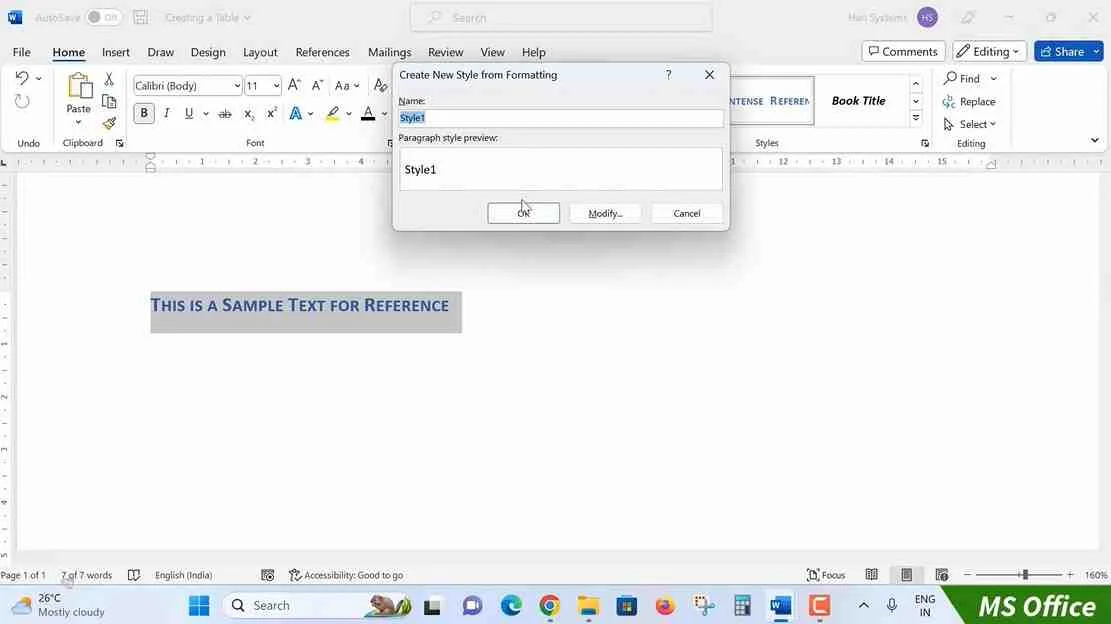
In the Tables module, learners discover how to organise data effectively by creating and formatting tables for clarity and visual appeal. The Styles module teaches how to set up and modify styles to maintain consistent formatting throughout documents, improving workflow efficiency. The Page Layout section empowers users to control page orientation, margins, columns, and backgrounds, adding creative design elements to any document.
Features like Envelopes and Labels and Mail Merges help automate mailing tasks and repetitive content creation. Finally, the Review and Printing module guides learners through proofing tools, tracking changes, and managing print settings, ensuring documents are polished and ready for distribution. This Microsoft Word online course with certificate is ideal for developing professional document skills without needing prior experience. High Skills Training provides a 14-day money-back guarantee and exciting discounts. Enrol now to become proficient in Microsoft Word.
Show More
What you will learn in this course
- Navigate and utilise the Word 2021 interface effectively.
- Create, edit, and manage documents from scratch.
- Enhance document layout with formatting and style tools.
- Design professional tables and layouts for structured content.
- Automate mailing with mail merge, envelopes, and labels.
- Finalise documents using review and print tools for quality assurance.
Who Should Take This Course
- Beginners looking to gain foundational skills in Word 2021.
- Professionals needing to enhance document creation and formatting skills.
- Students wanting to improve their academic writing and formatting.
- Administrative and office staff seeking efficient document management.
- Entrepreneurs and freelancers aiming to create polished, professional documents.
- Administrative and office staff seeking efficient document management.
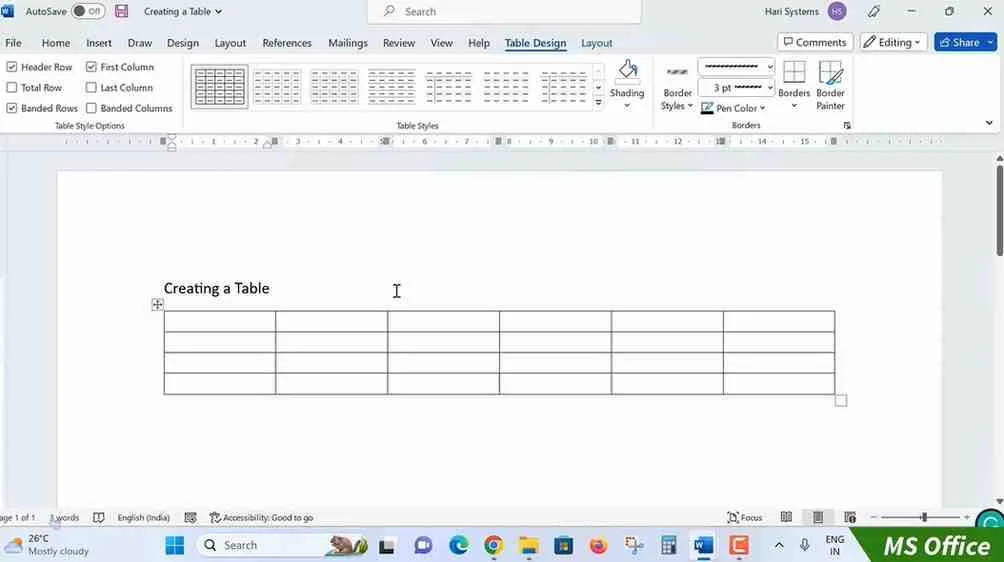
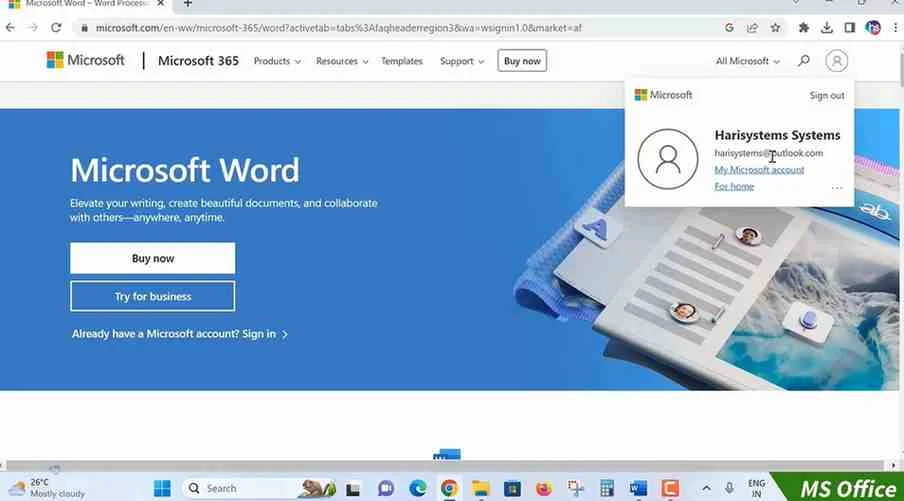
Sneak Peek
CPD Accredited Certificate
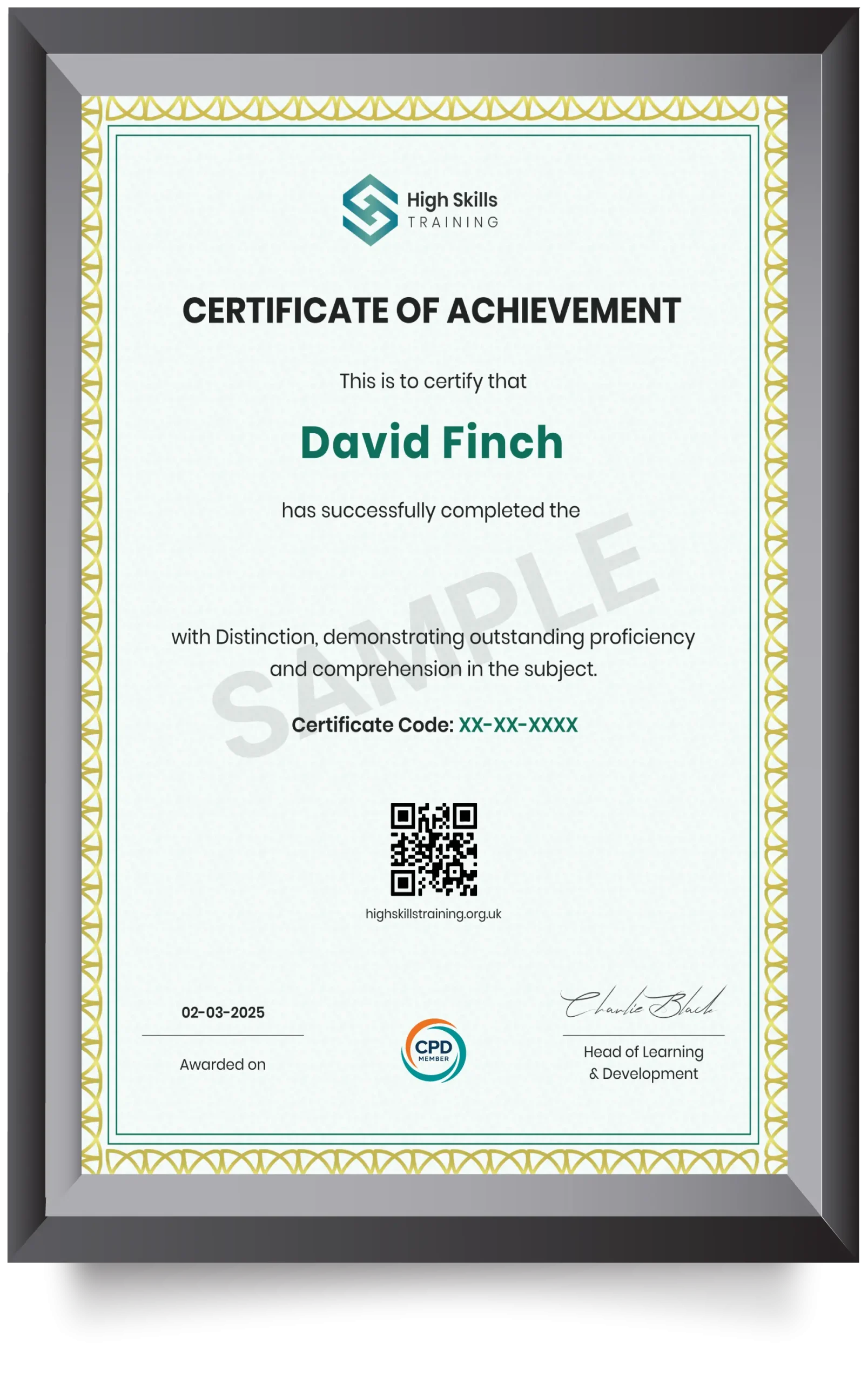
Our certificates are industry-recognised and can significantly boost your employability. They serve as proof that you've completed high-quality, CPD-accredited training and are aligned with current industry standards. Whether you're entering the job market or aiming for higher roles, this certificate adds strong value to your CV. It showcases your professional knowledge and commitment to continuous development, helping you stand out in the UK workforce.
Microsoft Word Crash Course
Curriculum
Word 2021: Introduction

Word 2021: Introduction
Word 2021: Basics
Word 2021: Word Formatting
Word 2021: Tables
Word 2021: Styles
Word 2021: Page Layout
Word 2021: Envelops and Labels
Word 2021: Mail Merges
Word 2021: Review and Printing
Quiz

Frequently Asked Questions
Is prior experience required to enrol in this Microsoft Word Crash Course?
How frequently is the Microsoft Word Crash Course updated?
How do I make a purchase for this course?
Can I access the course on my phone or tablet?
Will I need to complete the course in one sitting?
Can I add my course certificate to my CV?
Learner’s Also Bought

Pet Care and Psychology Diploma
Understand pet psychology and support pets’ health and behaviour with our CPD-accredited Pet Care and Psychology Diploma online
 Free Certificate Included
Care Certificate Course – 16 Standards
A Care Certificate Course bundle packed within a single course. Master the mandatory health and social care topics.
 Free Certificate Included
Level 5 Safeguarding Children
Develop strategic safeguarding knowledge, strengthen decision-making, and effective child protection with level 5 safeguarding training online.
 Free Certificate Included
Youth Work Training
Gain skills in safeguarding, youth engagement, and wellbeing with our CPD-accredited Youth Work Training course.
14 Days Money-Back Guarantee